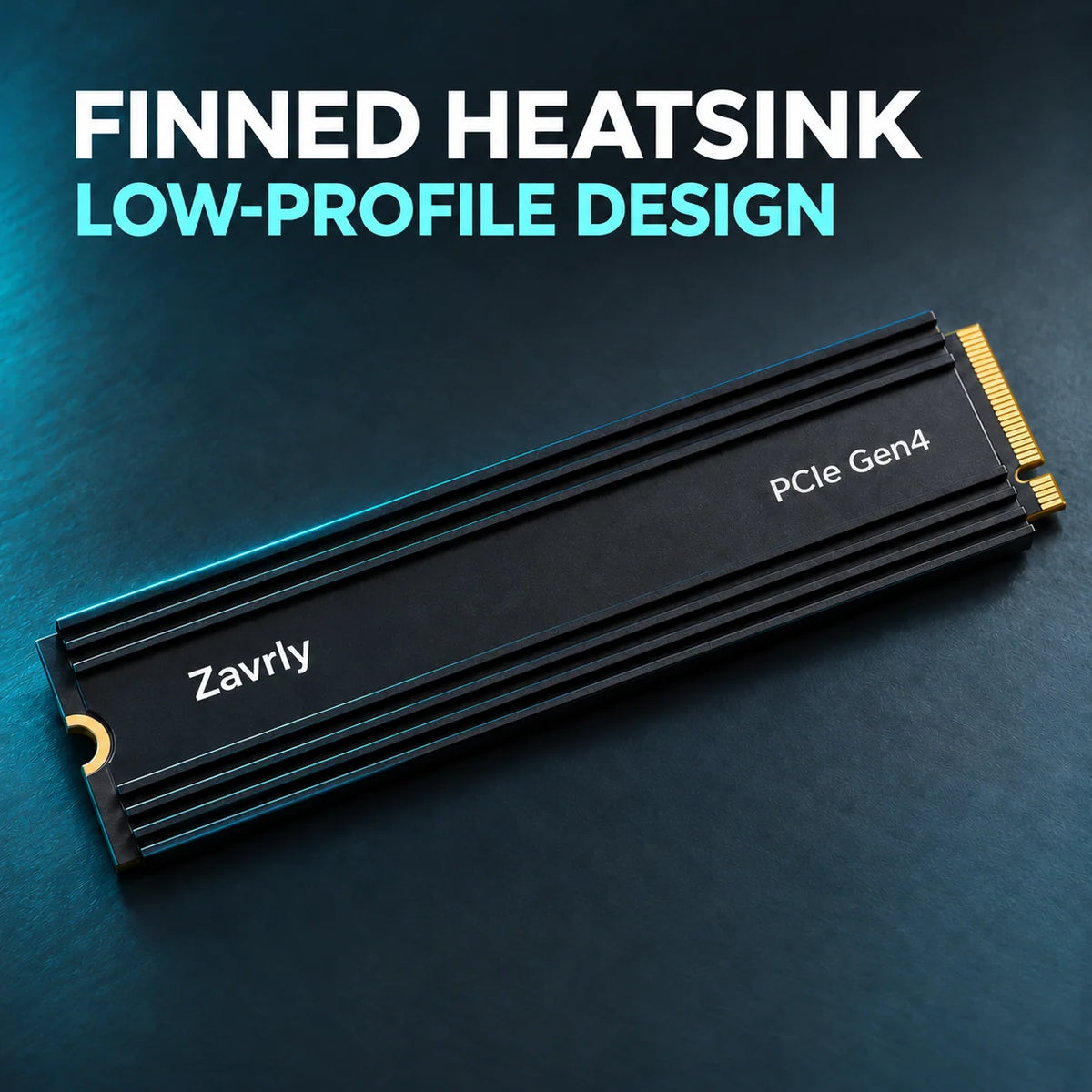
PCIe Gen4 M.2 SSD with Ribbed Heatsink
PCIe Gen4 M.2 SSD with Ribbed Heatsink


BUNDLE & SAVE
无法加载取货服务可用情况
-
Ordered
- - -
Order Ready
- - -
Delivered

PCIe Gen4 M.2 SSD with Ribbed Heatsink
Upgrade Your Storage
Keep More
Installed.
Make room for your next game, update, or project. Expand your storage with a PCIe Gen4 M.2 SSD featuring a low-profile black heatsink.

01 / Cooling Design
Designed With Lengthwise Cooling Fins.
A series of parallel ribs adds surface area to the heatsink to support heat dissipation. Its low-profile design is intended for compatible compact M.2 bays.

02 / Storage Expansion
More Room For Your Digital Library.
Keep more games, applications, projects, and files on local storage. Designed for systems equipped with a compatible PCIe M.2 slot.

03 / Storage Capacity
Choose The Space You Need.
Whether you're expanding your game collection, organizing creative projects, or storing everyday files, choose a capacity that suits your storage needs.
04 / Product Details
Check The Fit Before Installation.
Confirm the M.2 interface and physical clearance required by your computer or console.

-
Check Your Device
Verify PCIe M.2 support, M.2 2280 compatibility, and available heatsink clearance. -
Install The SSD
Power off and unplug your system. Follow the manufacturer's installation instructions. -
Set Up Your Storage
Follow the system's storage setup prompts and confirm the correct drive before formatting.
05 / Frequently Asked Questions
Before You Order.
How do I check PS5 compatibility?
Check the selected SSD's specifications and complete heatsink dimensions against Sony's PS5 M.2 expansion requirements. Sony recommends a sequential read speed of 5,500 MB/s or faster. The product information provided here does not specify a confirmed read speed or complete heatsink dimensions, so PS5 compatibility cannot be guaranteed without verifying those details.
Will this work in a SATA-only M.2 slot?
No. This is a PCIe M.2 SSD and requires a compatible PCIe M.2 slot. A matching connector shape alone does not guarantee compatibility.
How do I know if it fits my computer?
Check your motherboard or device manual for support for a PCIe M.2 2280 SSD. Also verify the available space around the slot, especially when using a heatsink.
Why does the displayed capacity look different?
Storage manufacturers use decimal capacity units, while operating systems may display capacity using different unit conventions. Formatting and system reporting can also affect the displayed number.
Does this SSD include a heatsink?
The product shown features a black heatsink with lengthwise cooling fins. Please check the selected product variant and package details before ordering.
Are read and write speeds listed?
A specific sequential read or write speed is not provided in the product information shown here. Please confirm the exact performance specifications with the seller before purchasing if speed is a deciding factor for your application.